
Auto-answering
When auto-answering is used, the offered conversation is automatically accepted for you; no action by you is needed.
When the auto-answer is in use, the timer in the offering view shows the time left before the conversation is connected:
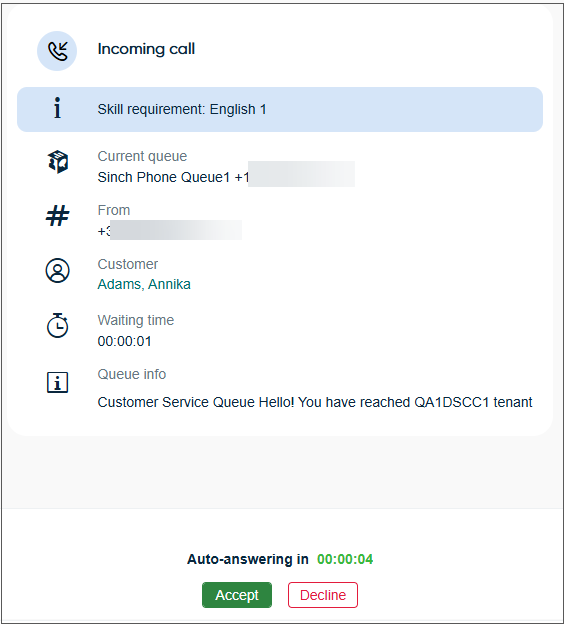
During that time, you can also decline the conversation.
Auto-answering can be used either for auto-allocated or direct conversations, or both. Administrators define in System Configurator if auto-answering is used, and what is the delay. They can also allow agents to modify some of these settings in . If the time in Delay for Auto-Answering is set to be less than 3 seconds, the offering screen with the timer may not be shown at all but the conversation opens directly.
Auto-answer is disabled in the following scenarios if you already have an active call. In these cases, you must manually accept the incoming call:
-
Your queue size is greater than zero.
-
A transferred call isn't answered and is returned to you.
-
You're the preferred agent for the second call.