
Campaign recording
Prerequisites
-
You have rights to create or modify the campaign.
-
The system-level setting in is Specified for user, queue or campaign.
Configuration
-
In System Configurator, go to .
-
In the User interface settings block, select the option Record campaign calls.
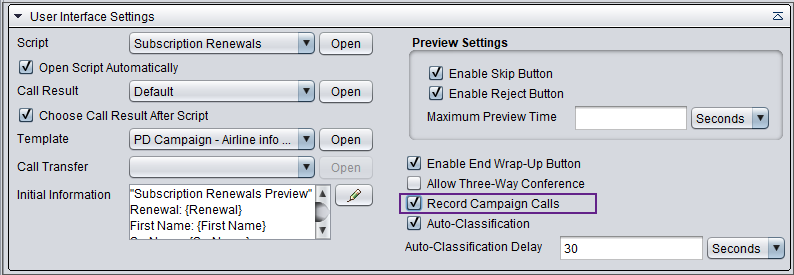
Note that two separate recordings are created if both campaign and user recording are activated. If both campaign and queue recording are activated, only one recording (campaign) is created.