
Change agent settings
To view the work and pause times of an agent or to change their skill levels and queue assignments, do the following:
-
Search for the agent using filters.
-
Click the agent name and choose Show details.
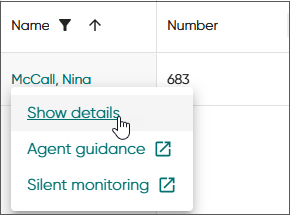 .
.The details view opens and shows the agent information, conversation statistics of the day, and the agent's queues and skills.
The work and pause times are configured in a user settings template in System Configurator by the administrator.
-
To change the agent's:
-
status, use the status change button.
-
profile, choose the new profile from the drop-down list.
Note:If you select a profile that has a duration, switching to another profile is still possible. Otherwise the profile remains set for the duration period before switching back to the default profile. -
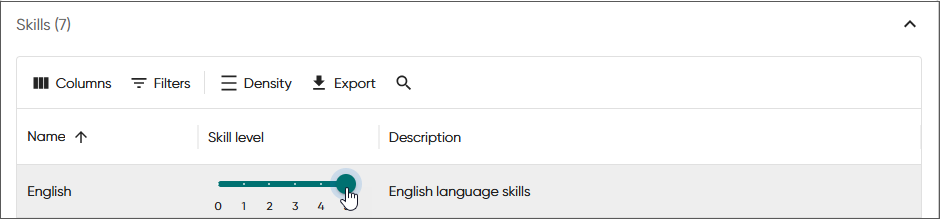
skill level, increase or decrease the level by either sliding the pointer or by selecting a new skill value. Use the filter to list fewer skills if needed.
-
queue assignments, select the queue checkbox. Filter the list to show fewer queues if needed.
-
The Set as external agent setting is for phone queues in auto allocation mode only.
When you select Prevent queue status change, the agent will be unable to join or leave the queue, depending on its current status.