Assign access rights
-
Go to and search for your campaign.
-
In the Access rights block, click Add.
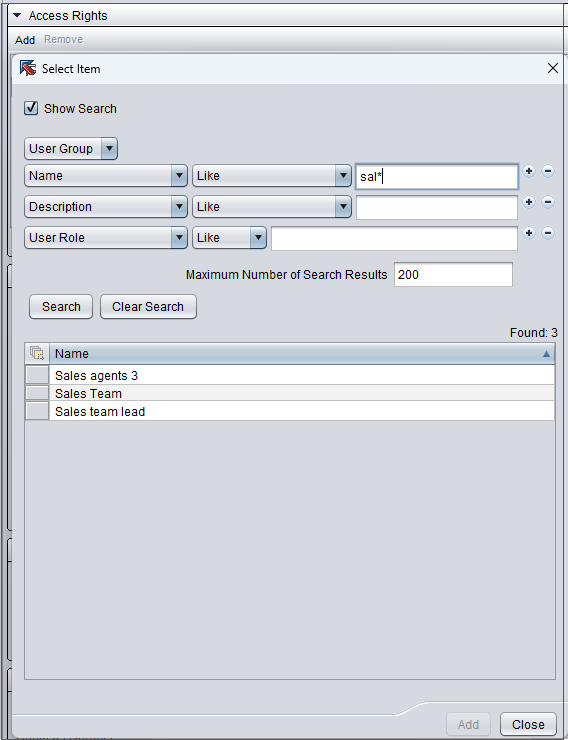
Search for the user group or user role you want to give rights to the campaign.
-
Choose the group or role and click Add.
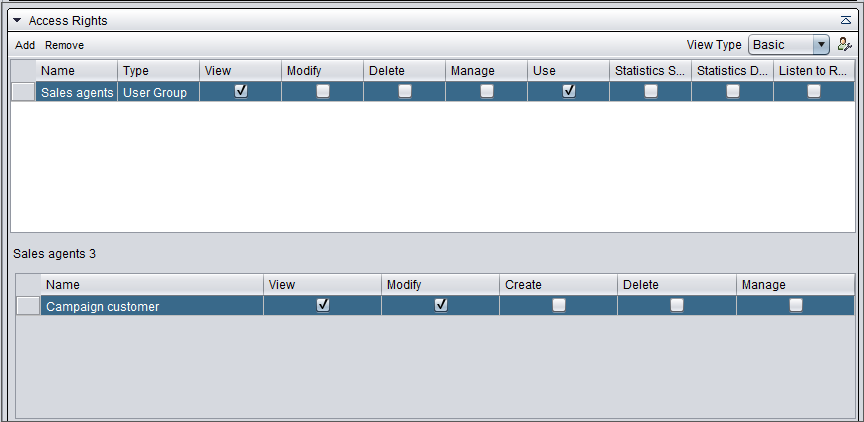
Add the necessary rights.
-
Save the campaign.
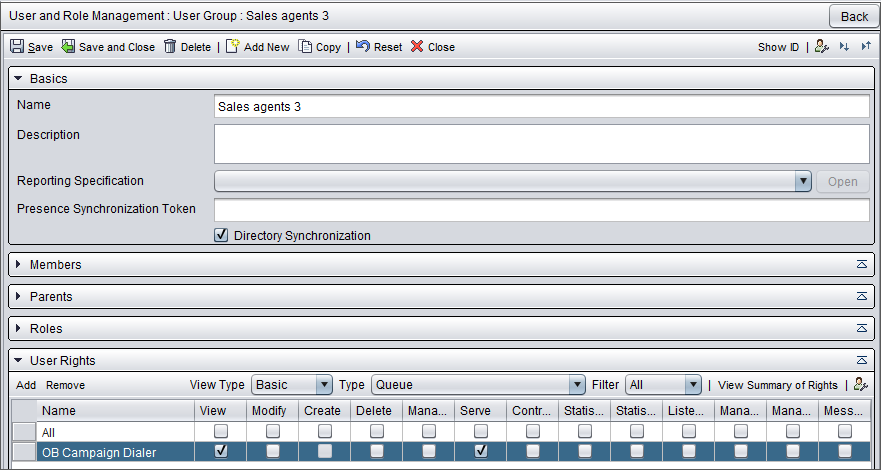
Check that the user group or role has rights to serve in the queue used for the campaign.
You can do this in or by opening the User rights block in the user group view.