
Change card settings or remove cards
Each card has its own settings button.
-
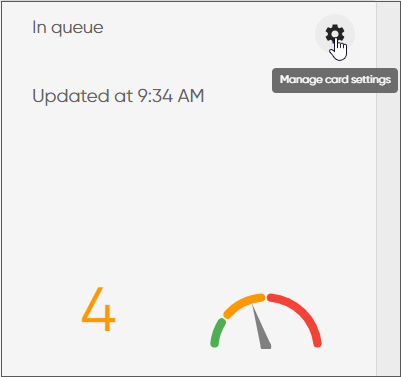
To see card settings window, click the Settings icon in the upper right hand corner of the card.
-
You have the following options:
-
Remove or add queues.
-
Change how the information is shown.
This is available for the cards Arrived today, Handled todayLongest queuing time, In queue, and Campaign progress and visual options vary between cards.
-
Change the card name
-
Remove the card.
-