
View chat conversation thread
You can view earlier chat conversations had with the customer.
When you have accepted a chat request or ended a chat conversation, click on the Previous Conversations text or arrow at the top of the view:
The system searches for previous chats and displays them.
Alternatively, if you want to choose a previous conversation for viewing, open the Conversation History extension:

This opens the conversation list and clicking a row opens that conversation in a separate view.
Restored chats
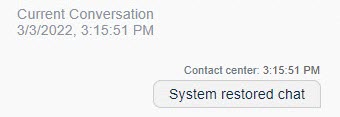
If a social chat transcript shows a System restored chat message in the
conversation, it means that the system has been down, and queuing and active social
chats have been disconnected and then restored.
- Queuing conversations: Abandoned and In Queue
- Active (in process) conversations: Handled and In Queue
To view the previous conversations of a restored chat, click on the Previous Conversations text or arrow at the top of the view.