Conference calls
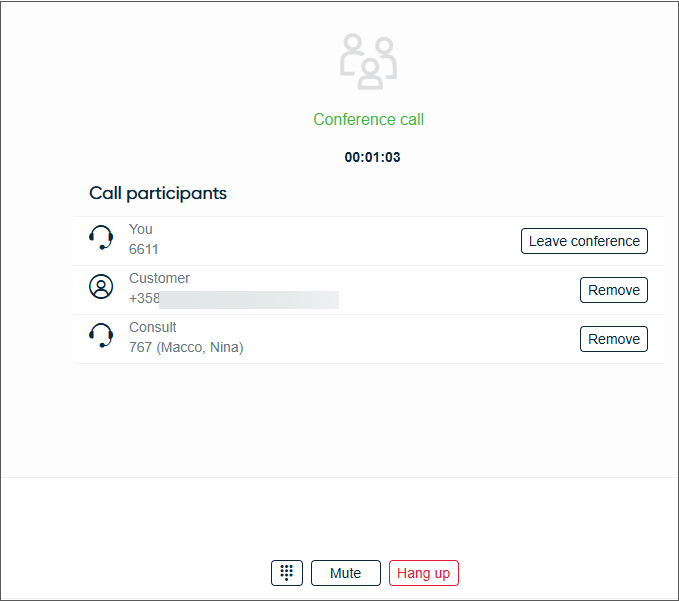
You can have a three-way conference by adding a third person to an active call.
-
Search for the person you want to add to the call using one of these methods:
-
Search queues and agents
-
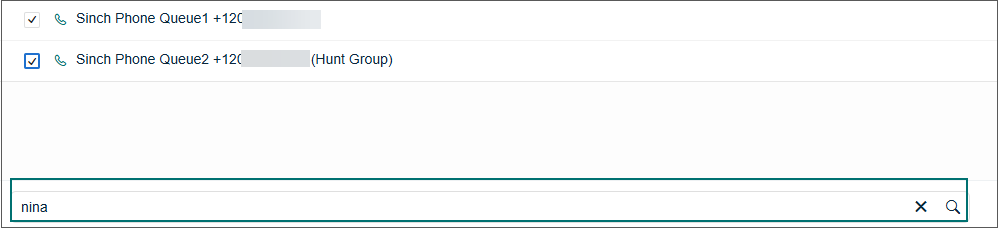
Enter the search term, such as agent name, in the search field at the bottom of the view and click Search.
-
Select the destination from the result list. Make sure the agent is logged in and has a phone icon indicating they can receive calls.
-
Click Consult.
-
-
Use the Directory
-
Click the Directory and find the person.
-
Click the phone number and then select Call [number].
-
-
Use the dial pad
-
Click the dial pad
 icon.
icon. -
Enter the number, and click Call.
-
-
-
When the call is answered, click Conference.
During a conference call, you can view the participant list to remove individual callers, change the conference back to a two-way call, or mute your own line using the Mute button.