
Warm transfer
During an active call, you can place the original caller on hold and check that the call is answered before completing the transfer.
Search for the person you want to transfer the call to using one of these methods:
-
Search queues and agents
-
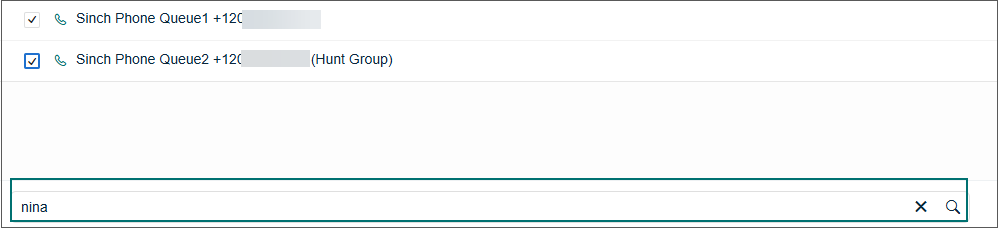
Enter the search term, such as agent name, in the search field at the bottom of the view and click Search.
-
Select the destination from the result list. Make sure the agent is logged in and has a phone icon indicating they can receive calls.
-
Click Consult.
-
When the call is answered, click Join to complete the transfer.
-
-
Use the Directory
-
Click the Directory and find the person.
-
Click the phone number and then select Call [number].
-
When the call is answered, click Join to complete the transfer.
-
-
Use the dial pad
-
Click the dial pad
 icon.
icon. -
Enter the number, and click Call.
-
When the call is answered, click Join to complete the transfer.
-